PDF to Audio Converter
Convert any PDF to natural-sounding speech with 2,600+ AI voices, document-specific presets, 80+ emotion tags, and 130+ languages. Built for reading on the go.
Upload a PDF. Get audio back.
Drop a PDF or click to browse
PDF, EPUB, DOCX, TXT — up to 200 MB
or open the audiobook editor to paste text directly
#1 Product of the Day
Product Hunt
4.9 / 5.0 Rating
Chrome Web Store
10M+ Active Users
Worldwide
4,863+ Reviews
5-Star Average
What Is a PDF to Audio Converter?
A PDF to audio converter is a tool that transforms text from PDF documents into natural-sounding speech. Instead of reading a 30-page research paper or business report on screen, you upload the file and get an audio version you can listen to anywhere — during your commute, at the gym, or while doing chores.
Notevibes uses advanced AI text-to-speech with 2,600+ voices across 130+ languages to convert PDFs into studio-quality audio. Document-specific presets for academic papers, reports, ebooks, and manuals ensure the narration style matches your content — no manual formatting or copy-pasting required.
Press play. Hear the difference.
These narrations weren’t recorded in a studio. AI converted them from PDF documents.
Built for PDF Listeners
Everything you need — smart extraction, voices, presets, and 130+ languages.
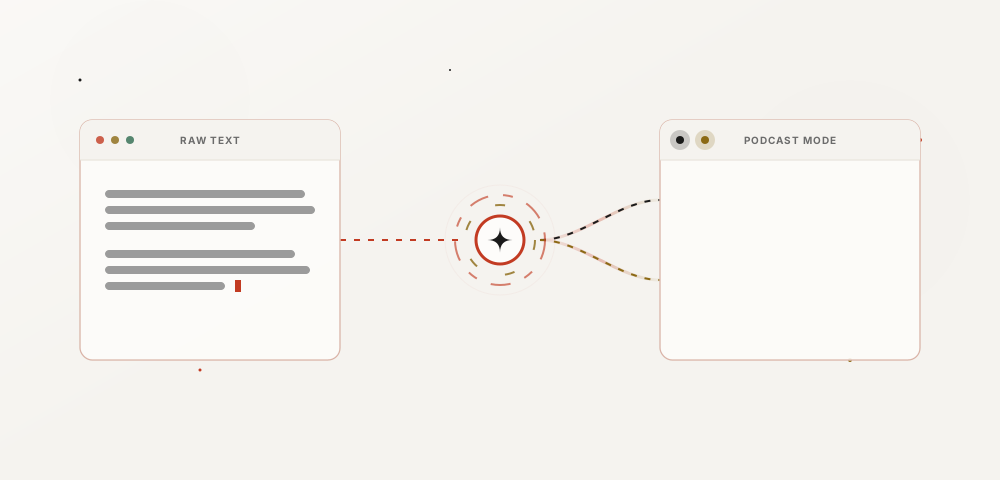
AI PDF Extraction
Upload any PDF. AI extracts text intelligently — handling headers, paragraphs, tables, footnotes, and multi-column layouts automatically.
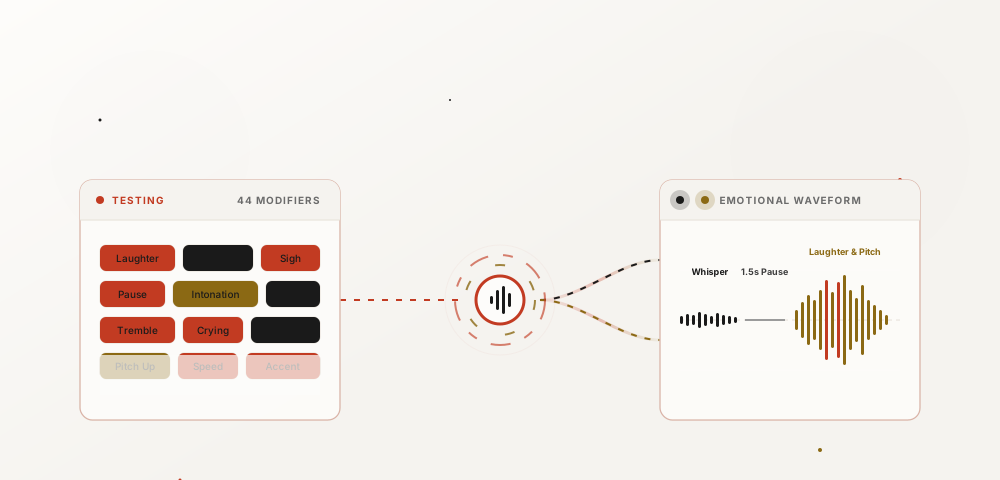
Smart Formatting
AI detects document structure — skips page numbers, reformats tables into readable text, and handles citations naturally.
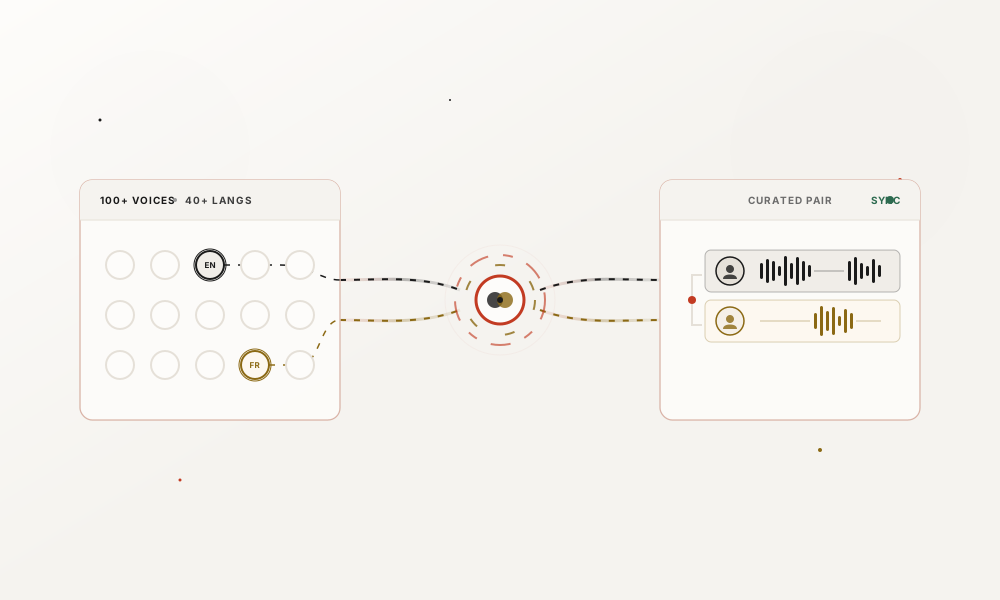
Table & Chart Handling
Tables and charts are converted into clear, spoken descriptions. Data becomes listenable without losing meaning.
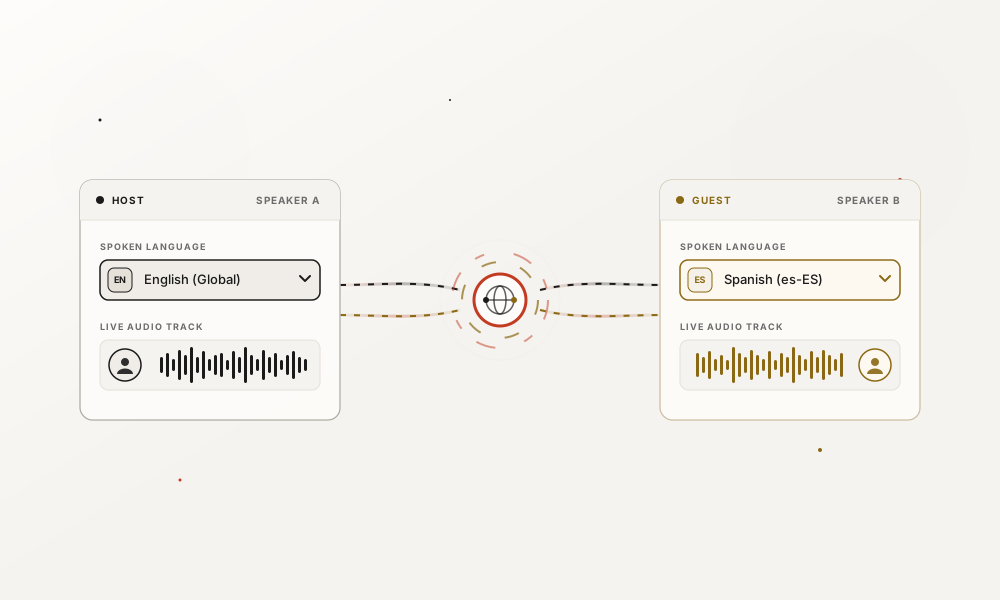
Batch Processing
Upload multiple PDFs at once. Process entire document libraries — textbooks, research collections, or report archives.
Playback Speed Control
Adjust playback from 0.5x to 3x speed. Slow down for dense technical content, speed up for familiar material — stay in control.
Cross-Platform, No Install
Works in any browser on desktop, tablet, or phone. No app to install, no software to download — just upload and convert.
PDF in. Audio out.
Input
Research paper PDF
Output
Audio summary for commute
A grad student uploads a 30-page research paper, selects Academic preset with Clear + Measured tones. Listens to the full paper during their morning commute instead of spending an hour at the desk.
Input
Quarterly business report
Output
Audio briefing for executives
A VP uploads the quarterly report, picks Business Report preset with Confident + Direct tones. The entire team listens to the audio briefing before the board meeting — no one needs to read 50 pages.
Input
Ebook PDF
Output
Listening version for anywhere
Convert any ebook PDF into a listenable format. Pick Ebook preset with Warm + Engaging modifiers. Natural, flowing narration that sounds like a real audiobook — listen at the gym, in the car, or before bed.
Input
Technical manual PDF
Output
Audio guide for hands-free learning
Upload a technical manual, select Technical Manual preset with Precise + Steady tones. Follow along hands-free while working — perfect for IT docs, user guides, and SOPs.
Input
Textbook PDF
Output
Accessible audio for visual impairments
A student with dyslexia uploads a textbook chapter, selects Study Guide preset with Clear + Patient tones. Listening instead of reading reduces fatigue and improves comprehension — audio makes education accessible to everyone.
Input
Foreign-language PDF
Output
Audio for pronunciation practice
A language student uploads a PDF in their target language, picks a native-accent voice. Listening while following along builds pronunciation skills, vocabulary retention, and natural rhythm — like a personal language tutor.
Why Convert PDF to Audio?
Reading isn't always an option. Audio makes your documents accessible, portable, and easier to absorb.
Accessibility
Essential for users with dyslexia, visual impairments, ADHD, or screen fatigue. Audio makes PDF content available to everyone — no screen required.
Multitasking
Listen to research papers during your commute, reports at the gym, or textbooks while cooking. Turn dead time into learning time.
Better Retention
Audio learners retain more from listening than reading. Reinforce key concepts by listening on repeat — proven to boost memory and comprehension.
Save Time
Consume documents faster with adjustable playback speed. Speed up to 2x or 3x for familiar material, slow down for dense sections.
Try it free — no credit card required
Upload a PDF and hear the difference in under a minute.
Start converting for freeSupported Document Types
From academic papers to technical manuals — upload any PDF and get audio back.
Text-based PDF
Standard PDFs from Word, Google Docs, LaTeX, or any document editor. AI extracts text and structure automatically.
Scanned PDF (OCR)
Scanned documents with an OCR text layer. Most modern scans are supported — upload and convert directly.
Academic Papers
Research papers, journal articles, theses, and dissertations. Handles abstracts, citations, and multi-column layouts.
Business Reports
Quarterly reports, white papers, strategy docs, and memos. Tables and charts are narrated clearly.
Ebooks & Books
PDF ebooks, digital books, and long-form publications. Chapter-aware extraction with natural reading flow.
Technical Manuals
User guides, SOPs, API documentation, and technical references. Step-by-step content stays clear in audio.
How to Convert a PDF to Audio
Converting a PDF to audio with Notevibes takes under a minute. Start by uploading your PDF file — drag it into the editor or click to browse your device. The AI extracts text from the document automatically, handling multi-column layouts, headers, footnotes, and page breaks without any manual cleanup. Scanned PDFs with an OCR text layer work too.
Next, choose a voice and document preset. Notevibes offers 2,600+ AI voices across 130+ languages, and six document presets tuned for different content types: Academic, Business Report, Ebook, Technical Manual, Article, and Custom. Each preset adjusts pacing, tone, and emphasis to match the content. Pair a preset with inline emotion tags like “Clear,” “Measured,” or “Confident” to fine-tune the narration further.
Once you're happy with the settings, hit generate. Notevibes converts the full document into studio-quality speech — a 10-page PDF typically finishes in 20–30 seconds. Download the result as MP3 or WAV and listen on any device: during your commute, at the gym, or while doing chores. No copy-pasting, no manual formatting, no reading required.
For longer documents like textbooks or full-length reports, the audiobook editor splits content into chapters automatically. You can assign different voices to different sections, adjust playback speed per chapter, and export the entire project as a single audio file or chapter-by-chapter.
PDF to Audio for Everyone
Students, professionals, and anyone who prefers listening over reading.
Students & Researchers
Turn textbook chapters, research papers, and journal articles into audio you can study anywhere. Listen to assigned readings during your commute, review key concepts on repeat before exams, or absorb dense material at your own pace. Audio learners consistently report better retention and less screen fatigue compared to traditional reading — especially for long academic texts.
Business Professionals
Convert quarterly reports, white papers, strategy documents, and contracts into audio briefings. Share with your team so everyone arrives at the meeting informed — without expecting anyone to read 50 pages. Business Report and Executive presets deliver confident, polished narration that matches corporate content. Playback at 1.5x or 2x to get through material faster.
Accessibility
PDF-to-audio conversion is essential for users with visual impairments, dyslexia, ADHD, or chronic screen fatigue. Audio eliminates the barrier of screen-based reading entirely — documents become accessible without assistive hardware or specialized software. Notevibes supports 130+ languages with natural pronunciation, making multilingual documents accessible to global audiences regardless of reading ability.
PDF to Audio vs. Other Methods
There are several ways to listen to a PDF. Here's how they compare.
Browser / OS Screen Reader
Robotic voice, no presets, no download, no emotion control. Limited to one voice per device.
Notevibes: 2,600+ natural voices, 6 document presets, 80+ emotion tags, download MP3/WAV instantly.
Copy-Paste into Generic TTS
Manual copy-pasting loses formatting. Headers, tables, and footnotes break. Multi-page documents require repeated effort.
Notevibes: Upload the PDF directly. AI preserves document structure — headers, tables, footnotes handled automatically.
Hire a Human Narrator
Expensive ($200–$400+ per hour of audio). Days or weeks of turnaround. Revisions cost extra.
Notevibes: Convert any PDF in under a minute. Unlimited revisions. Free tier available, paid plans from $9/month.
Other AI PDF Readers
Fewer voices, no document-specific presets, limited emotion and style control. Often no batch processing.
Notevibes: 2,600+ voices, 130+ languages, document presets, custom prompts, batch processing, and full audiobook editor.
Tips for Better PDF to Audio Results
Use text-based PDFs whenever possible
PDFs exported from Word, Google Docs, LaTeX, or any document editor give the best results. The AI can extract text, structure, and formatting directly. Scanned PDFs work too, but only if they include an OCR text layer — run OCR first using Adobe Acrobat or Google Drive if your scan is image-only.
Match the document preset to your content
A research paper sounds best with the Academic preset (clear, measured pacing). A quarterly report needs the Business Report preset (confident, direct). An ebook chapter works with the Ebook preset (warm, flowing). The preset adjusts tone, speed, and emphasis automatically — always select one before generating.
Adjust playback speed for content density
Dense technical content or unfamiliar material is easier to follow at 0.75x or 1x speed. For lighter content or material you're reviewing a second time, bump it to 1.5x or 2x. Notevibes supports speeds from 0.5x to 3x — experiment to find your ideal pace.
Use custom prompts for specialized content
Custom prompts let you describe exactly how the AI should narrate. Try "Read this like a calm professor explaining to a student" for textbooks, or "Deliver this like a confident executive summary" for reports. Prompts override preset defaults and give you full control over tone and delivery.
Split long PDFs into sections for easier navigation
For documents over 50 pages, use the audiobook editor to split content into chapters. This makes it easier to jump between sections, re-listen to specific parts, and export chapter-by-chapter. The AI can detect chapter boundaries automatically from headings and page breaks.
More AI Audio Tools
PDF to audio is just the start. Explore our full suite of AI-powered audio tools.